This following modification will beautify your Page Title in website created by PHPMaker 8.0.2. The Page Title we are talking about here is located at the very top of your page (not in the title bar of your browser). For example, when you are displaying your customers list page, you will see the Page Title that belongs to that page is something like: Table: Customers. As we know, PHPMaker generates that Page Title without any style.
Therefore, we will try to make its style with color background, also it would have the outlined around it, so they will have a very good standard style. There are several files that involved in this modification, since most of template file that provided by PHPMaker has the page title in it, right? In addition, by doing this modification, you will know how to create your own style and add it into the core style that being used by PHPMaker to generate your .css file.
Updated: This modification has been tested and works fine in the latest version, PHPMaker 8.0.3 on August 27, 2011.
All we have to do is customizing PHPMaker template files. In other words, we will not modify the generated script files.
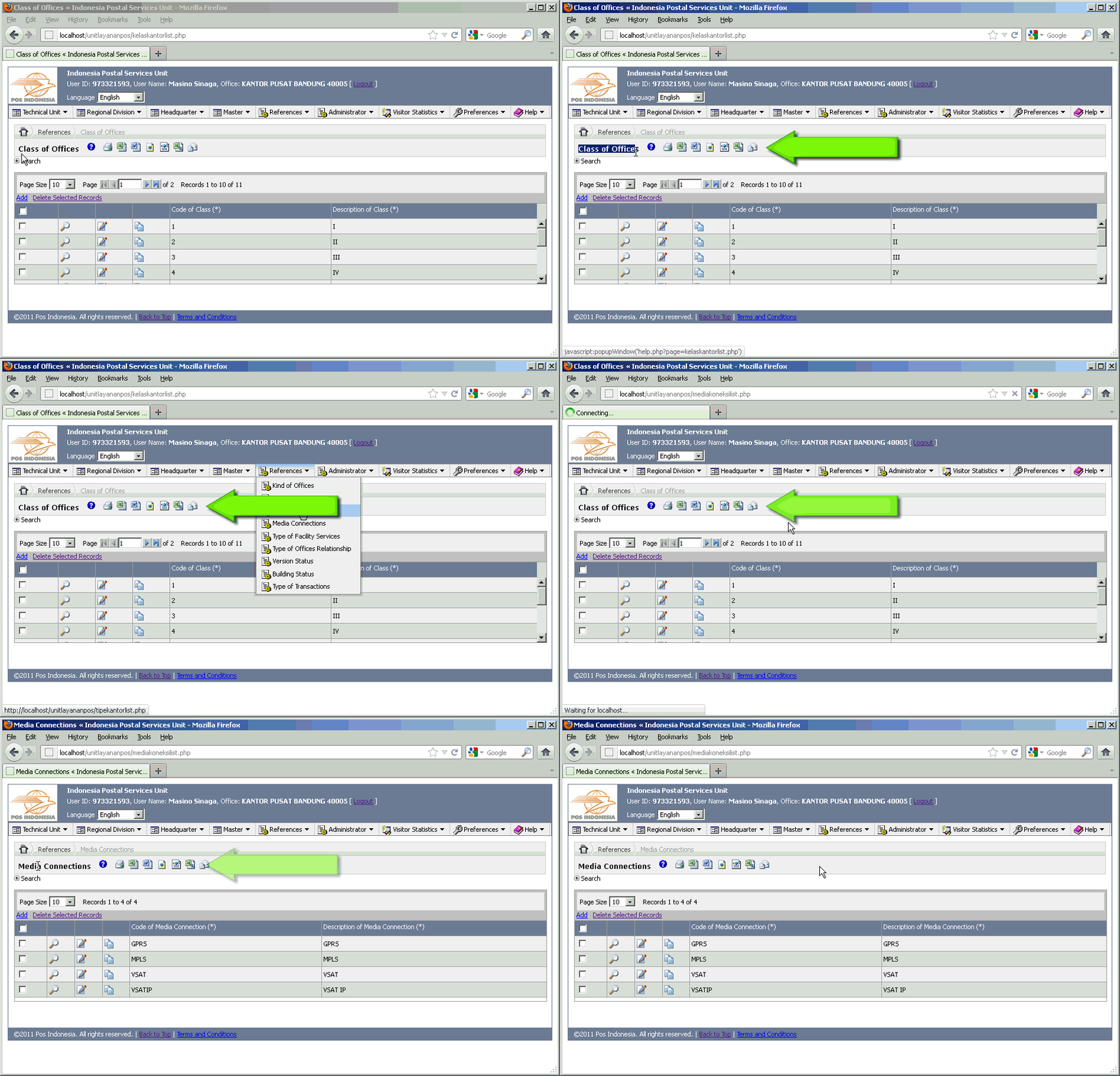
Please click on the following image to watch the demo:
[hidepost]
-
First of all, we will add our new style to the .css file that will be generated by PHPMaker. From your PHPMaker application, go to HTML tab, then click on Styles sub-tab, and then click on Edit Styles button. You will see a CSS Editor window afterwards. Scroll down to the bottom of that textbox, and find for this code:
/*END_USER_STYLES*/
before the line of code, insert this following code:
.ewTitle{
  background-color: #F3F8F7;
  color: #000000;
  padding: 0.5em;
  border-left: 1px solid #7EACB1;
  border-right: 1px solid #7EACB1;
  border-top: 1px solid #7EACB1;
  border-bottom: 1px solid #7EACB1;
  text-align: left;
  font-family: verdana; /* font name */
  font-size: 9pt; /* font size */
  font-weight: bold;
  display: block;
  vertical-align:top;
}
This modification will override the old style of ewTitle with our code above.
-
Next step, open your list-script.php file, and find this code:
<!--## If CTRL.CtrlID = "grid" Then ##--> <p class="phpmaker ewTitle" style="white-space: nowrap;"><?php if ($<!--##=gsTblVar##-->->CurrentMode == "add" || $<!--##=gsTblVar##-->->CurrentMode == "copy") { ?><!--##@Add##--><?php } elseif ($<!--##=gsTblVar##-->->CurrentMode == "edit") { ?><!--##@Edit##--><?php } ?> <?php echo $Language->Phrase("<!--##="TblType" & TABLE.TblType##-->") ?><?php echo $<!--##=gsTblVar##-->->TableCaption() ?></p>then replace it with this following code:
<table id="ewContainer" cellspacing="0" cellpadding="0" border="0" <?php if (EW_TABLE_WIDTH_STYLE==1) { echo "width=".EW_SCROLL_TABLE_WIDTH."px"; } elseif (EW_TABLE_WIDTH_STYLE==3) {echo "width=100%"; } ?>> <tr><td colspan="3"> <!--## If CTRL.CtrlID = "grid" Then ##--> <span class="phpmaker ewTitle" style="white-space: nowrap;"><?php if ($<!--##=gsTblVar##-->->CurrentMode == "add" || $<!--##=gsTblVar##-->->CurrentMode == "copy") { ?><!--##@Add##--><?php } elseif ($<!--##=gsTblVar##-->->CurrentMode == "edit") { ?><!--##@Edit##--><?php } ?> <?php echo $Language->Phrase("<!--##="TblType" & TABLE.TblType##-->") ?><?php echo $<!--##=gsTblVar##-->->TableCaption() ?></span> -
Still in the list-script.php file, find again this code:
<!--## ElseIf CTRL.CtrlID = "list" Then ##-->
<p class="phpmaker ewTitle" style="white-space: nowrap;"><?php echo $Language->Phrase("<!--##="TblType" & TABLE.TblType##-->") ?><?php echo $<!--##=gsTblVar##-->->TableCaption() ?>
then replace it with this following code:
<!--## ElseIf CTRL.CtrlID = "list" Then ##--> <span class="phpmaker ewTitle" style="white-space: nowrap;"><?php echo $Language->Phrase("<!--##="TblType" & TABLE.TblType##-->") ?><?php echo $<!--##=gsTblVar##-->->TableCaption() ?> -
Still in the list-script.php file, find again this code:
<!--## End If ##-->
<!--## End If ##-->
</p>
then replace it with this following code:
<!--## End If ##-->
<!--## End If ##-->
</td>
</tr>
</table>
</span>
[/hidepost]
Leave a Reply
You must be logged in to post a comment.